


Astra Pro WordPress Theme – Features Guide
Astra Pro is one of the most popular lightweight WordPress themes designed for performance, flexibility, and professional website building. The theme extends the functionality of the free Astra theme by adding advanced customization tools, WooCommerce features, header builder options, layout controls, and premium starter templates.
Astra Pro is widely used by freelancers, agencies, bloggers, WooCommerce store owners, and business website developers because of its fast loading speed and seamless compatibility with popular WordPress page builders.
Table of Contents
- What is Astra Pro
- Key Features
- Starter Templates
- WooCommerce Features
- Header Builder and Customization
- Performance Optimization
- Page Builder Compatibility
- System Requirements
- How to Install Astra Pro
- Why Choose Astra Pro
- Who Should Use This Theme
- Pros and Cons
- Frequently Asked Questions
- Conclusion
What is Astra Pro
Astra Pro is the premium version of the Astra WordPress theme. It enhances the free Astra theme by adding advanced design modules, WooCommerce tools, custom layouts, typography controls, spacing settings, sticky headers, and premium website templates.
The theme is commonly used for:
- Business websites
- WooCommerce stores
- Agency websites
- Blogs
- Portfolio websites
- Landing pages
- Membership websites
Because of its lightweight architecture and flexible customization system, Astra Pro is suitable for both beginners and professional developers.
Key Features of Astra Pro
Lightweight Performance
Astra Pro is widely known for its lightweight frontend architecture and fast loading speed.
Performance-focused features include:
- Optimized CSS and JavaScript
- Lightweight theme structure
- Minimal frontend asset loading
- Responsive optimization
- WooCommerce performance enhancements
The theme is designed to improve website speed and user experience across desktop and mobile devices.
Starter Templates
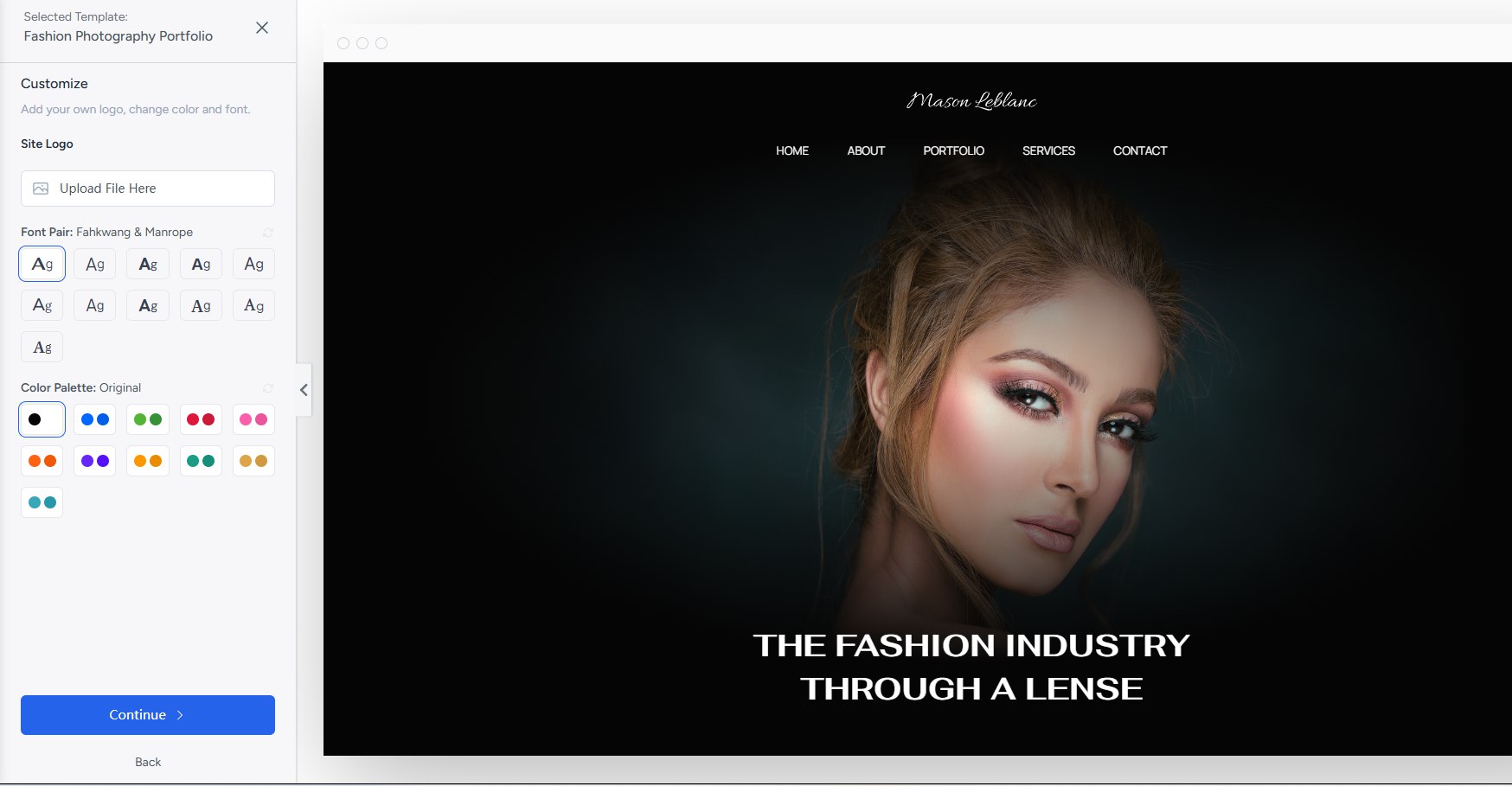
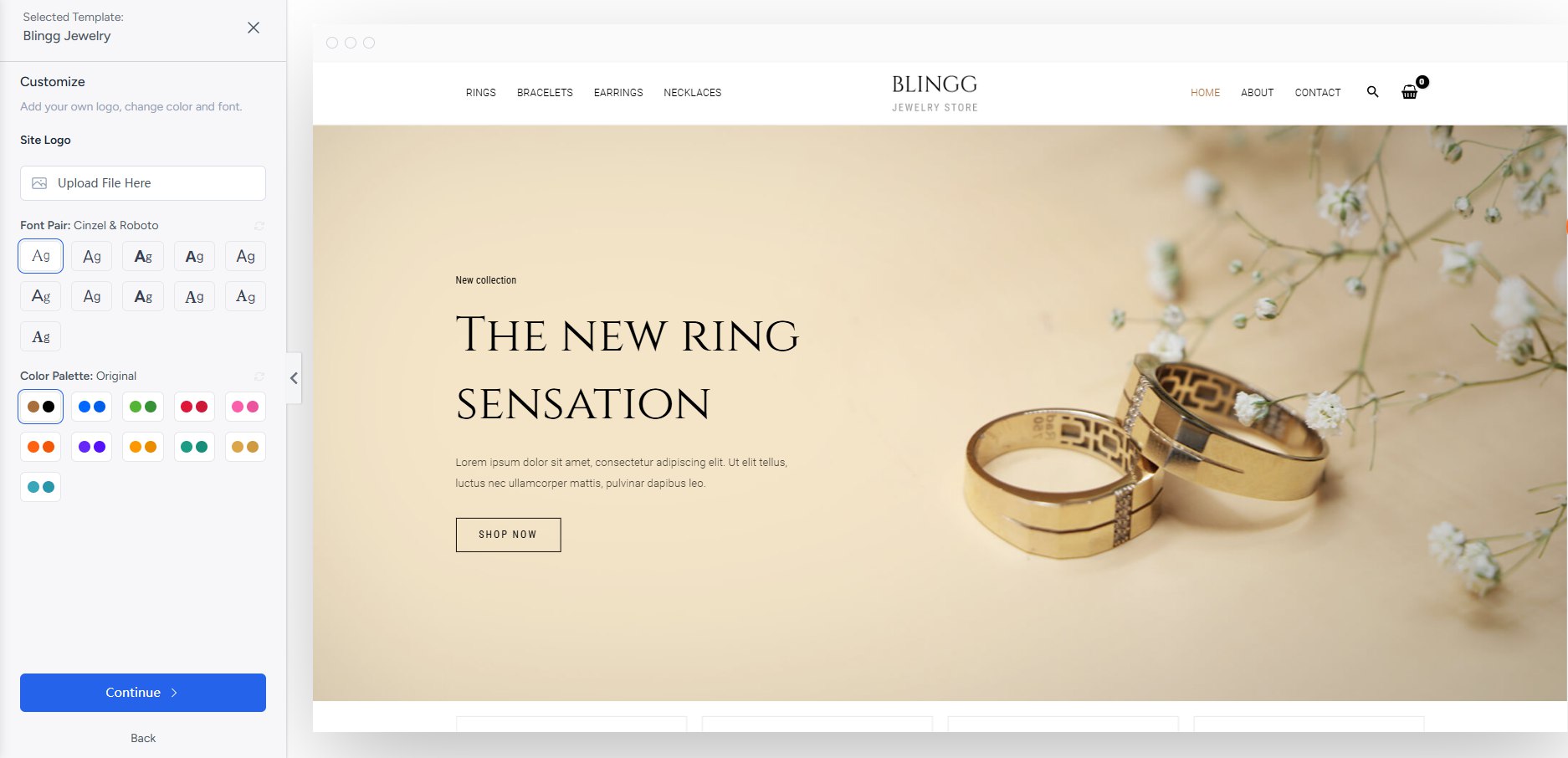
Astra Pro includes access to professionally designed starter templates that can be imported with one click.
The starter template library includes designs for:
- WooCommerce stores
- Business websites
- Agencies
- Blogs
- Portfolios
- Online courses
- Marketing websites
These templates help users launch professional websites quickly without advanced coding knowledge.
WooCommerce Features
Astra Pro includes advanced WooCommerce customization tools designed to improve online store design and shopping experience.
WooCommerce features include:
- Product grid customization
- Off-canvas sidebar
- Quick view functionality
- Sticky add-to-cart
- Infinite scroll
- Checkout optimization
- WooCommerce typography controls
These features help WooCommerce store owners create conversion-focused online stores more efficiently.
Header Builder and Customization
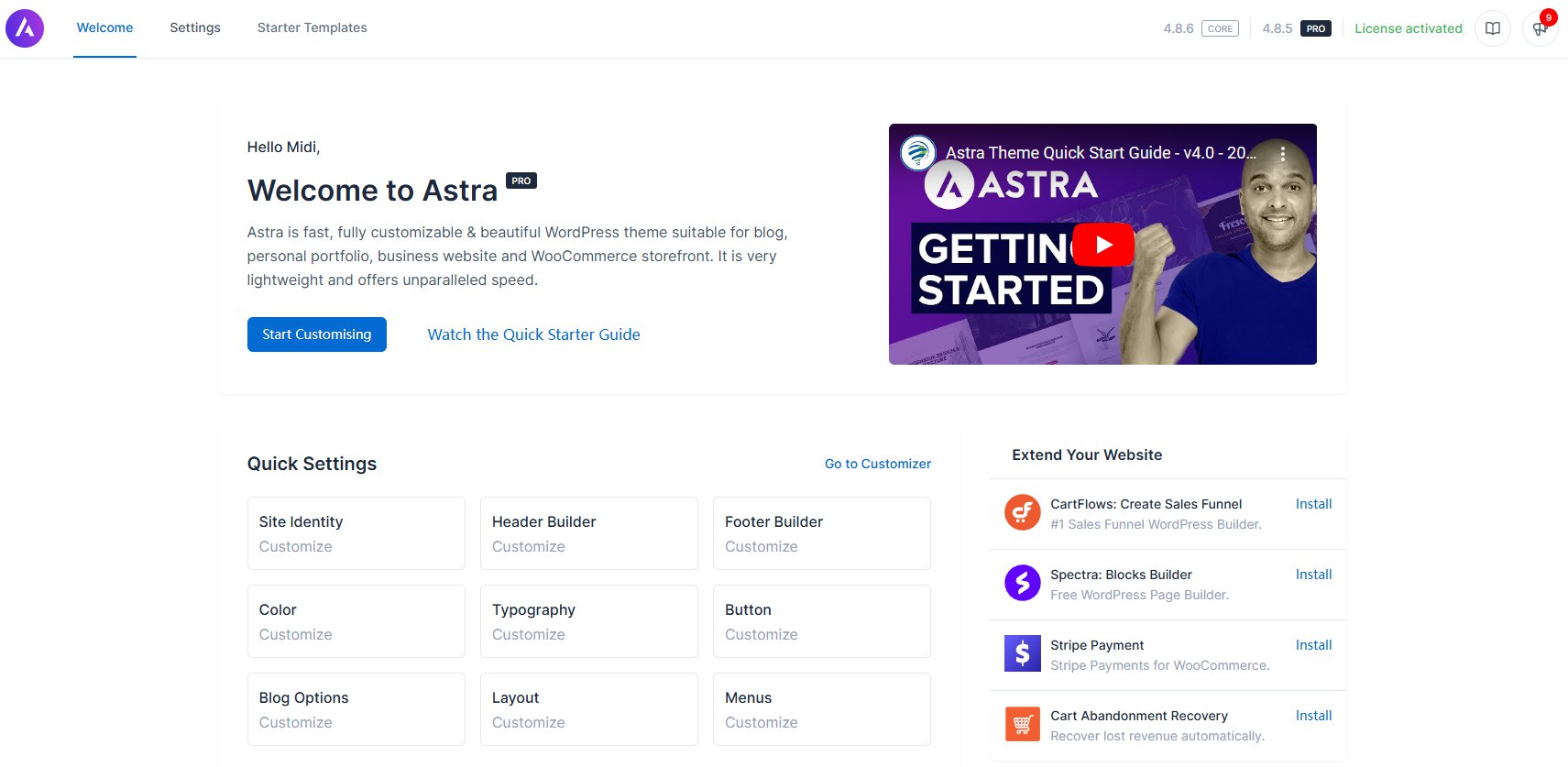
Astra Pro includes a flexible header and footer builder system that allows users to create custom website layouts visually.
Customization options include:
- Sticky headers
- Transparent headers
- Mobile headers
- Mega menu compatibility
- Typography controls
- Color customization
- Layout spacing settings
The visual customization system allows users to build professional websites directly inside the WordPress Customizer.
Performance Optimization
Astra Pro is designed with performance optimization in mind and is commonly used for fast-loading WordPress websites.
Performance-related features include:
- Lightweight architecture
- Schema optimization
- Cache plugin compatibility
- WooCommerce optimization
- Responsive mobile performance
- SEO-friendly structure
Because of its optimized codebase, Astra is widely used for performance-focused WordPress and WooCommerce projects.
Page Builder Compatibility
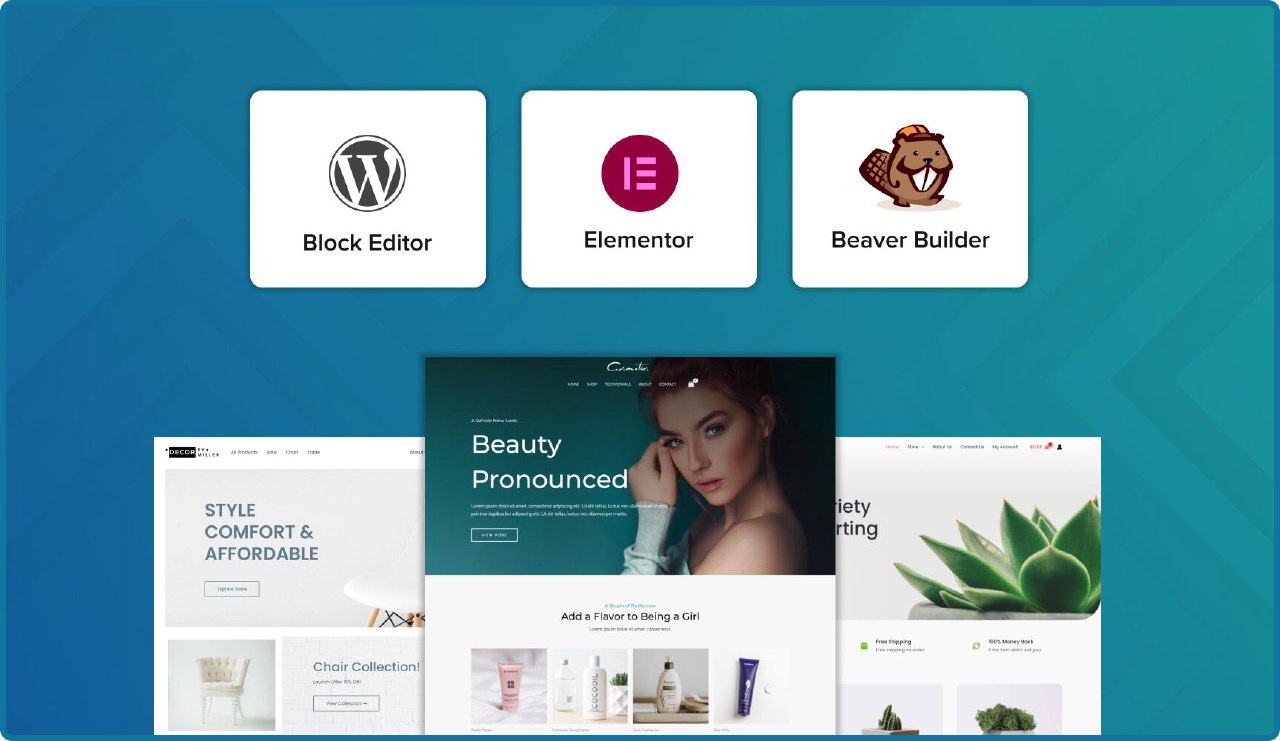
Astra Pro integrates seamlessly with major WordPress page builders including:
- Elementor
- Beaver Builder
- Gutenberg
- Spectra
- Brizy
Many WordPress users choose Astra because of its strong Elementor compatibility and flexible page builder workflows.
System Requirements
Before installing Astra Pro, ensure your website meets the following requirements.
WordPress Version
Latest version recommended
PHP Version
PHP 7.4 or higher
WooCommerce
Required for WooCommerce features
Memory Limit
At least 128MB PHP memory limit
Hosting
Modern WordPress hosting environment
How to Install Astra Pro
Follow these steps to install Astra Pro on WordPress.
- Install the free Astra theme first.
- Upload and activate Astra Pro plugin.
- Import starter templates if needed.
- Customize headers, layouts, typography, and WooCommerce settings.
- Optimize website performance and responsive layouts.
Users can visually customize website layouts directly inside the WordPress Customizer.
Why Choose Astra Pro
Astra Pro is popular because it combines lightweight performance, WooCommerce flexibility, professional starter templates, and advanced customization features in one WordPress theme ecosystem.
Many WordPress users choose Astra because it offers:
- Fast loading speed
- WooCommerce optimization
- Elementor compatibility
- Flexible customization tools
- Beginner-friendly workflows
- Large starter template library
The theme is commonly used for both small websites and large WooCommerce projects.
Who Should Use This Theme
Astra Pro is suitable for:
- Freelancers
- Agencies
- WooCommerce store owners
- Bloggers
- Business websites
- Portfolio creators
- Online educators
Because of its lightweight design and visual customization tools, Astra Pro works well for both beginners and advanced WordPress developers.
Pros and Cons
Pros
- Lightweight and fast performance
- WooCommerce optimization
- Large starter template library
- Flexible header builder
- Elementor compatibility
- Beginner friendly
Cons
- Some advanced features require Astra Pro modules
- Large WooCommerce stores may require stronger hosting
- Beginners may need time to explore all customization settings
Frequently Asked Questions
Does Astra Pro work with Elementor?
Yes. Astra Pro integrates seamlessly with Elementor and other major WordPress page builders.
Is Astra Pro good for WooCommerce?
Yes. Astra Pro includes advanced WooCommerce customization features and performance optimization tools.
Does Astra Pro support starter templates?
Yes. Astra Pro includes professionally designed starter templates for multiple website categories.
Is Astra Pro lightweight?
Yes. Astra Pro is widely known for its lightweight architecture and fast loading speed.
Can Astra Pro be used for business websites?
Yes. Astra Pro is commonly used for agencies, portfolios, blogs, WooCommerce stores, and business websites.
Conclusion
Astra Pro is one of the most powerful and lightweight WordPress themes available today. With its WooCommerce customization features, starter template library, header builder system, performance optimization tools, and Elementor compatibility, Astra Pro provides a complete solution for building professional WordPress websites efficiently.
Whether you are creating a WooCommerce store, agency website, blog, landing page, or business platform, Astra Pro offers the flexibility and performance needed to build modern and high-quality websites.








Yenikov –
Perfect activation, great shopping experience
Base –
I didn’t believe it at first, but after I bought it, I believed it. Very good website, good price and cheap goods
Wechsler –
Very good, already used it